AI Amplified, 2x faster Inbox. Up to 120x faster search.

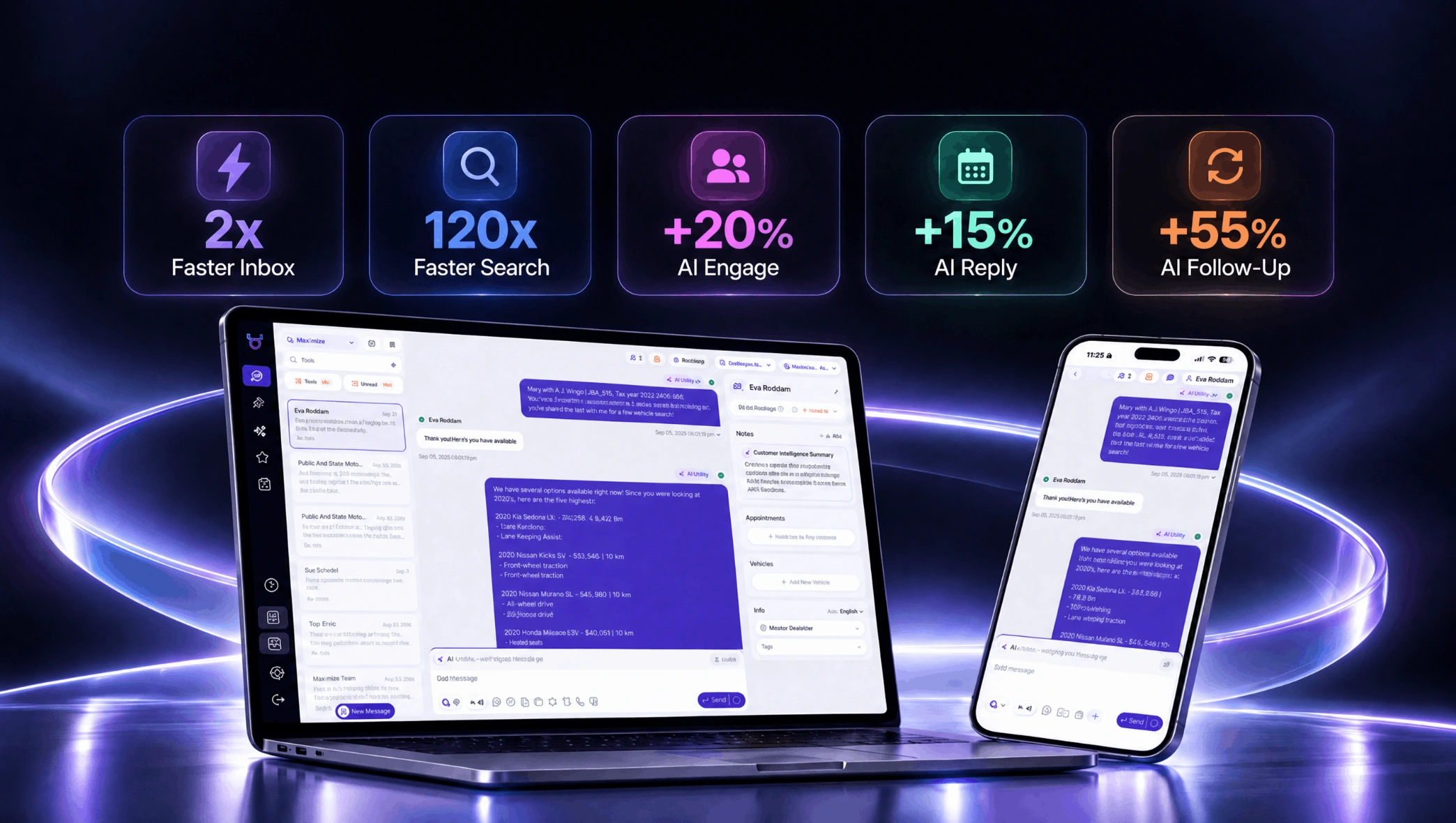
Your Conversation Page is now 2× faster, with search up to 120× faster. But speed is only part of this release.
We’ve redesigned the Matador AI Inbox and browser Extension to put more customer context within reach and keep your team current on messages and tasks. Here’s what’s changing.
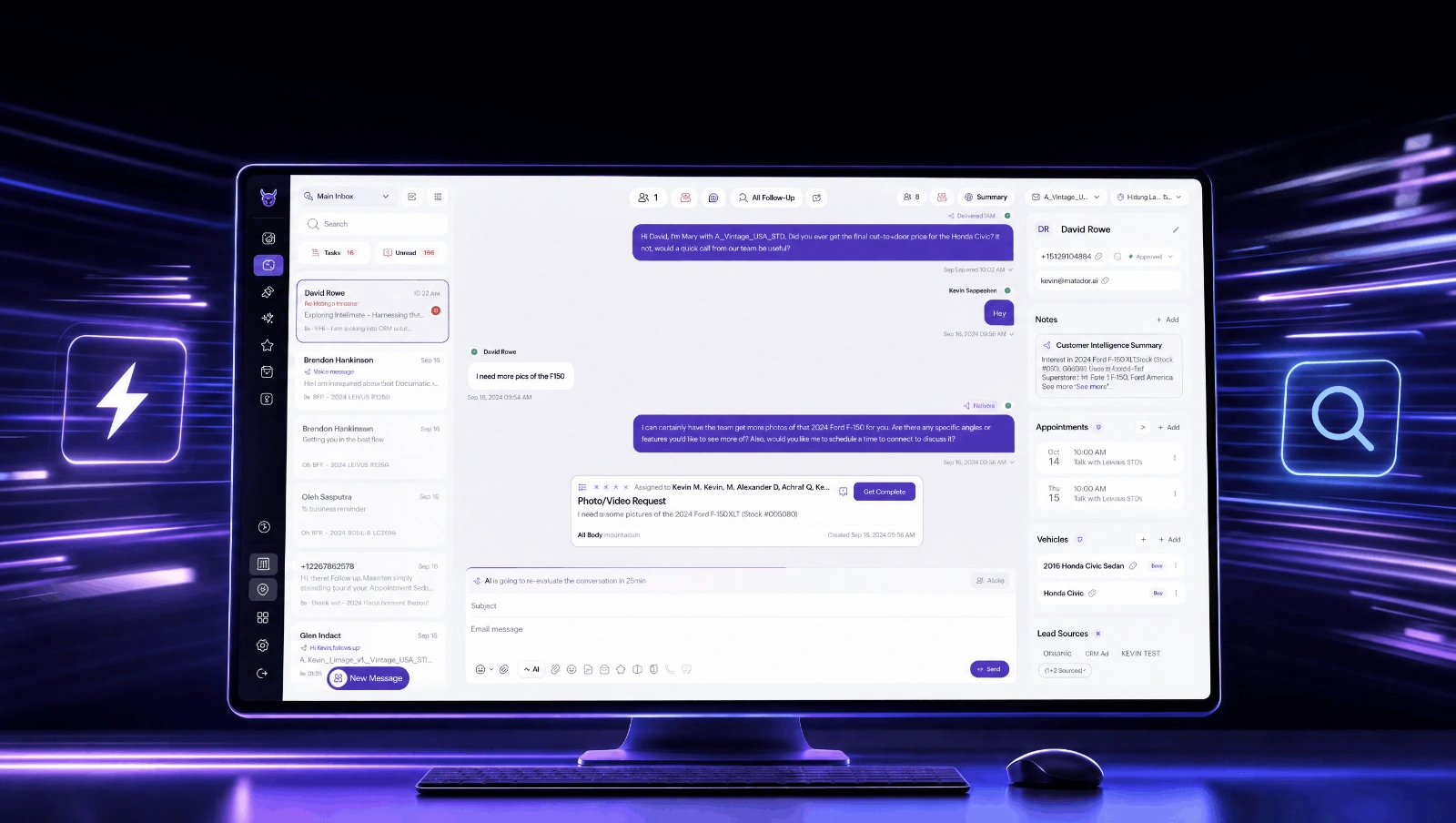
The new layout gives your daily workflow a clearer structure. Conversations sit on the left, the thread and Task panel sit in the middle, and Customer Details and AI management sit on the right. Your existing core functionality and filters remain in place.
Know more before you reply
Vehicle information and the new Customer Intelligence Summary now live directly in the conversation, so your team can review customer context while responding.
Task and unread statuses also update in real time, so there’s no more need to refresh to clear a task that looks stuck. Appointments are sorted by scheduled time, phone numbers and email addresses have a cleaner display, and the redesign includes full dark theme support.

Your AI just got even better
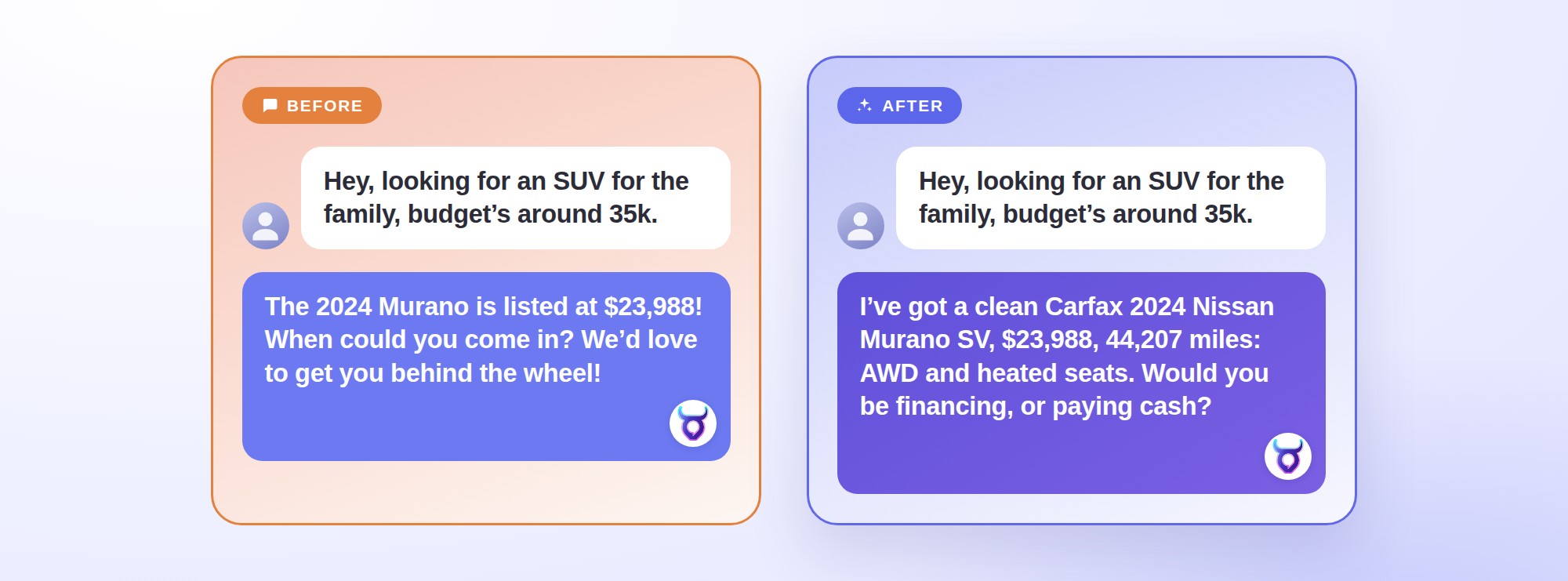
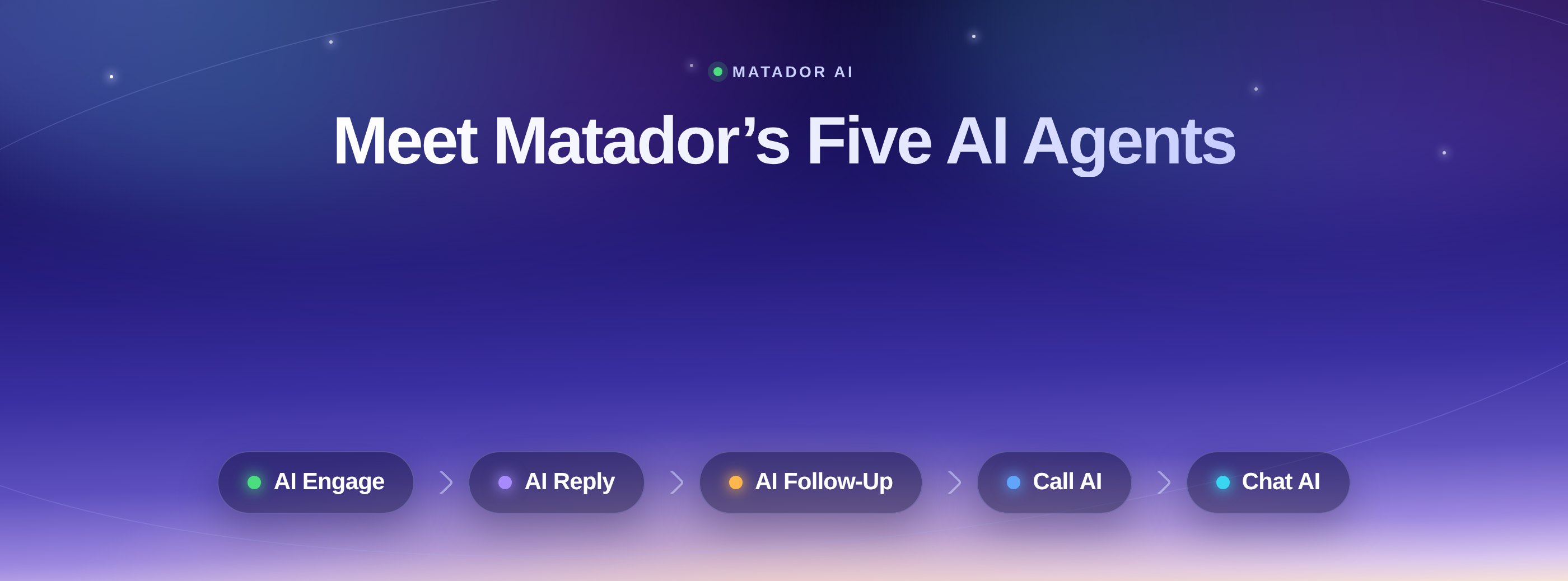
We’ve upgraded and improved three of our AI agents to help dealerships engage more leads, book more appointments, and bring conversations back to life.
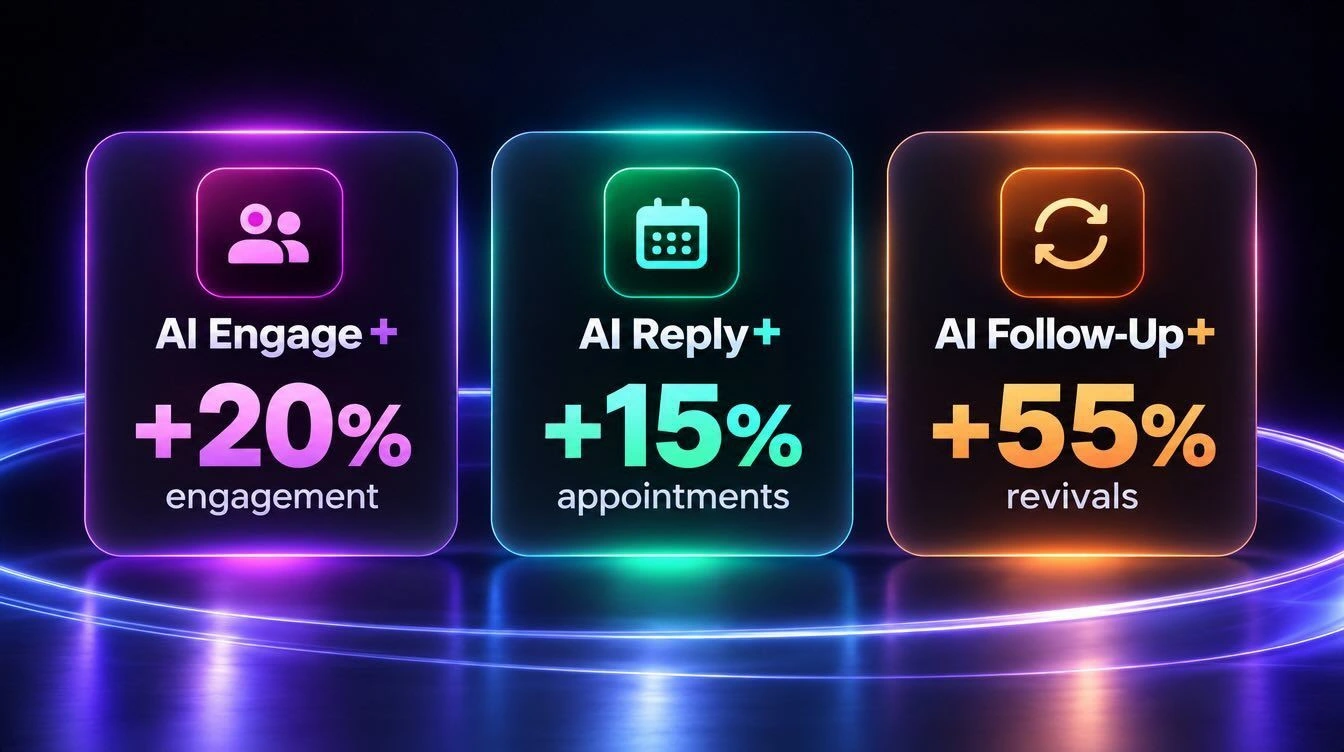
- AI Engage — Engages more new leads in conversations from the start.
- AI Reply — Keeps conversations moving all the way to a booked visit.
- AI Follow-Up — Brings quiet leads back into play.
An updated Extension for your CRM workflow
The browser Extension now matches the new Conversation Page, creating a more consistent experience between Matador AI and your CRM. Your team keeps working inside the automotive CRM they already use, with the Matador conversation one click away.
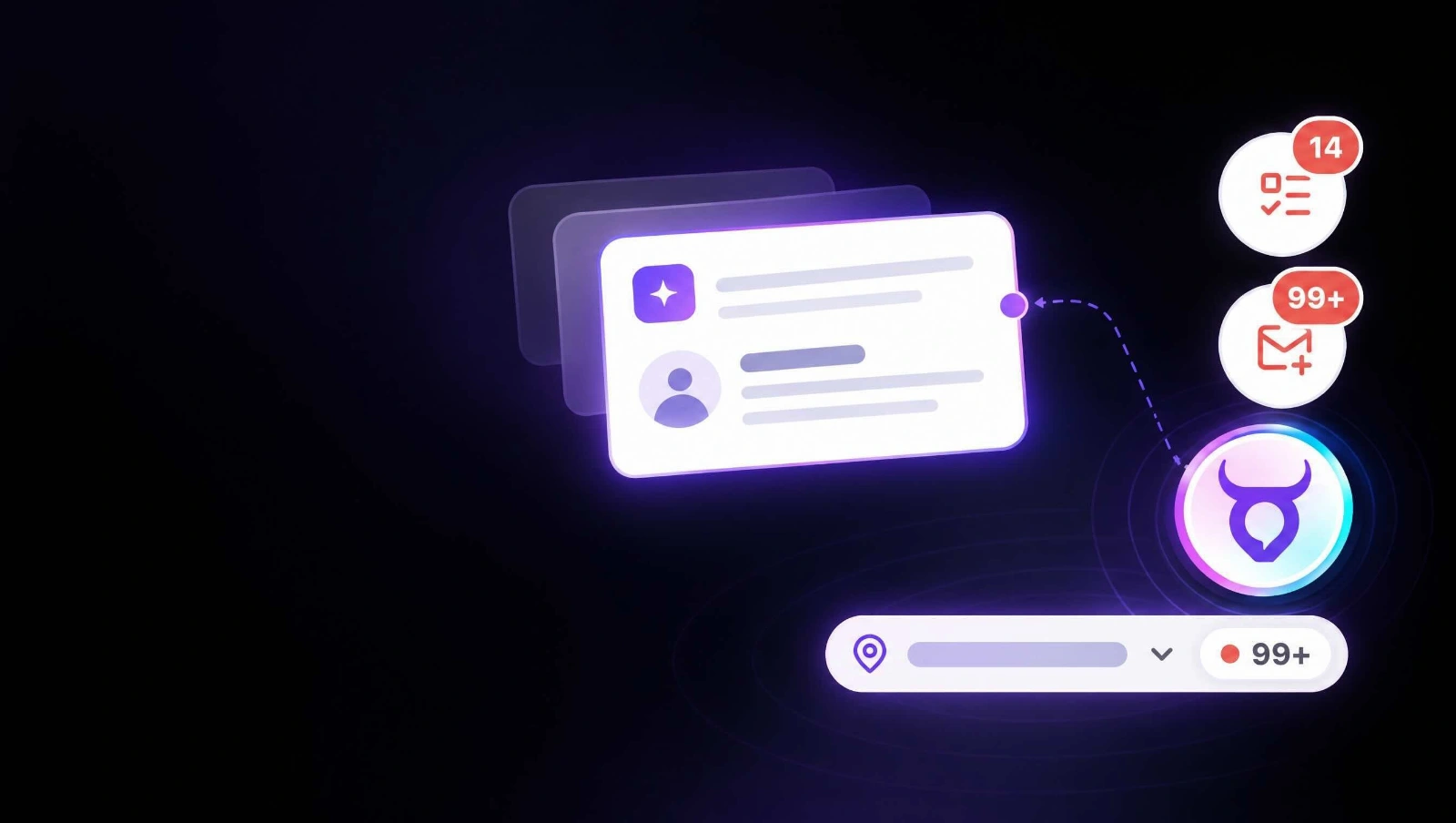
Live tasks and unread counters show activity for your selected organization. Real-time previews surface incoming messages and new tasks, while organizations with unread messages rise to the top of the switcher.
Customer information opens expanded by default in conversations and is also accessible by hovering over the top action bar.
This release also fixes several stability issues, including invisible dark-theme message bubbles, counters not loading on first open, and the Extension icon disappearing after TMS/DMS page updates.
Get updated task notification emails
Support Agents receive a privacy-safe Daily Digest with their own tasks and a “Waiting on your team” section, without customer names, phone numbers, or channels.
The Urgent Overdue Tasks header now displays the recipient’s name. The “Waiting on {recipient}” link also opens the specific conversation in My Messages with the Tasks filter applied.
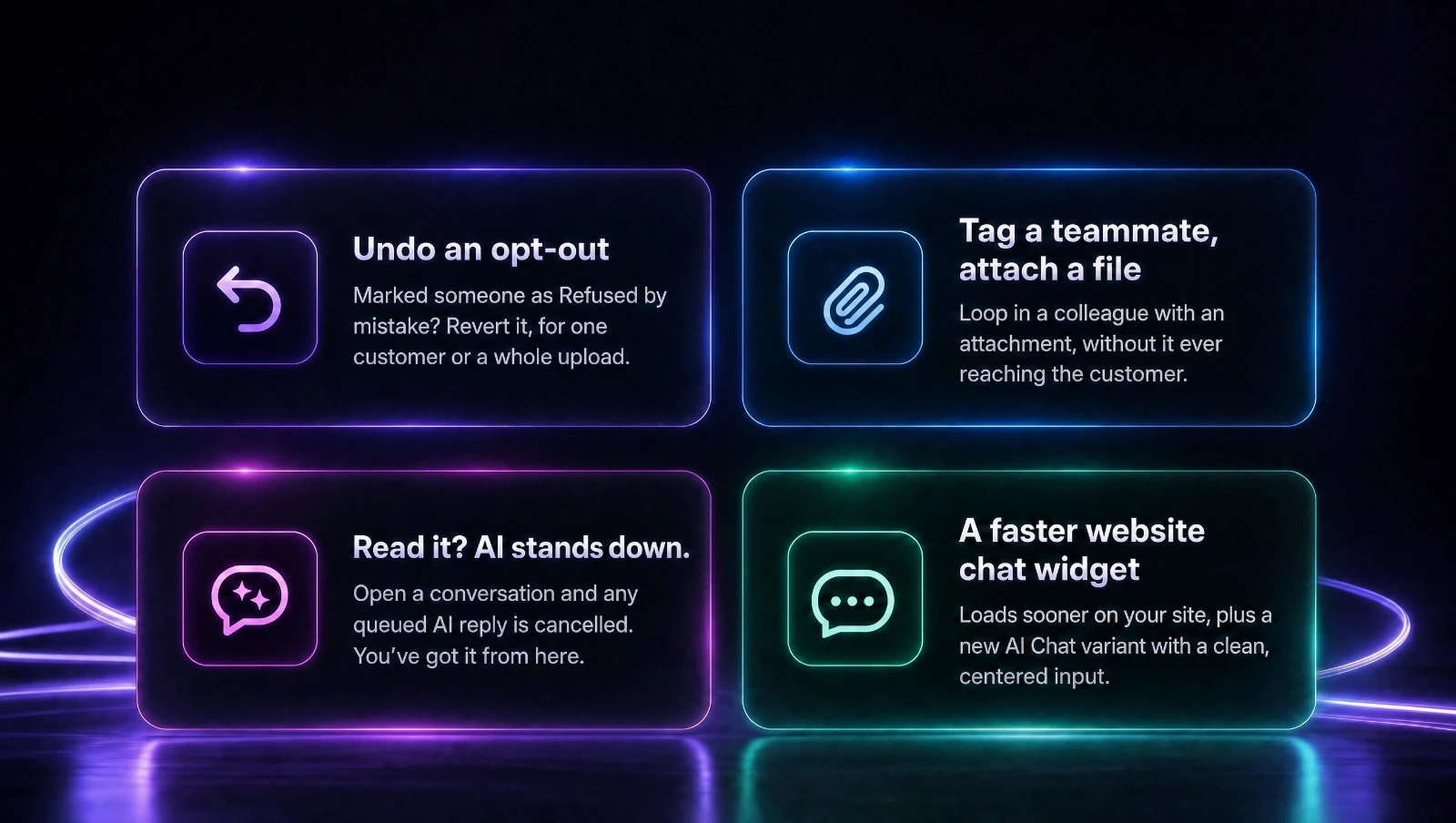
Also in this release